
SSL certificate: what it is, why you need HTTPS and how to choose one.
· 9 min read
Have you ever opened a website and seen “Not secure” next to the address? Most visitors close the page on the spot. What that site is missing is an SSL certificate, the piece that turns the address from HTTP into HTTPS. Below you will find what an SSL certificate is, why every site needs HTTPS, what the official rules of browsers and Google say, what types of certificates exist and how to choose the right one, without paying for what you don't use.
What is an SSL certificate
An SSL certificate is a file installed on the website's server, issued by a certificate authority that browsers trust. It does two things:
- it encrypts the data traveling between the visitor's browser and the server, so nobody along the way can read or change it;
- it confirms the site's identity, meaning the address you reached is really the one you typed, not a copy.
The name comes from Secure Sockets Layer, the protocol used at first. Today encryption is handled by its successor, TLS (Transport Layer Security). The current version, TLS 1.3, is defined in the RFC 8446 standard from 2018, while the old versions, TLS 1.0 and 1.1, were officially deprecated by RFC 8996 in 2021. The name “SSL certificate” stuck, though, so you will also see them written together: SSL/TLS.
HTTP vs HTTPS: what is the difference
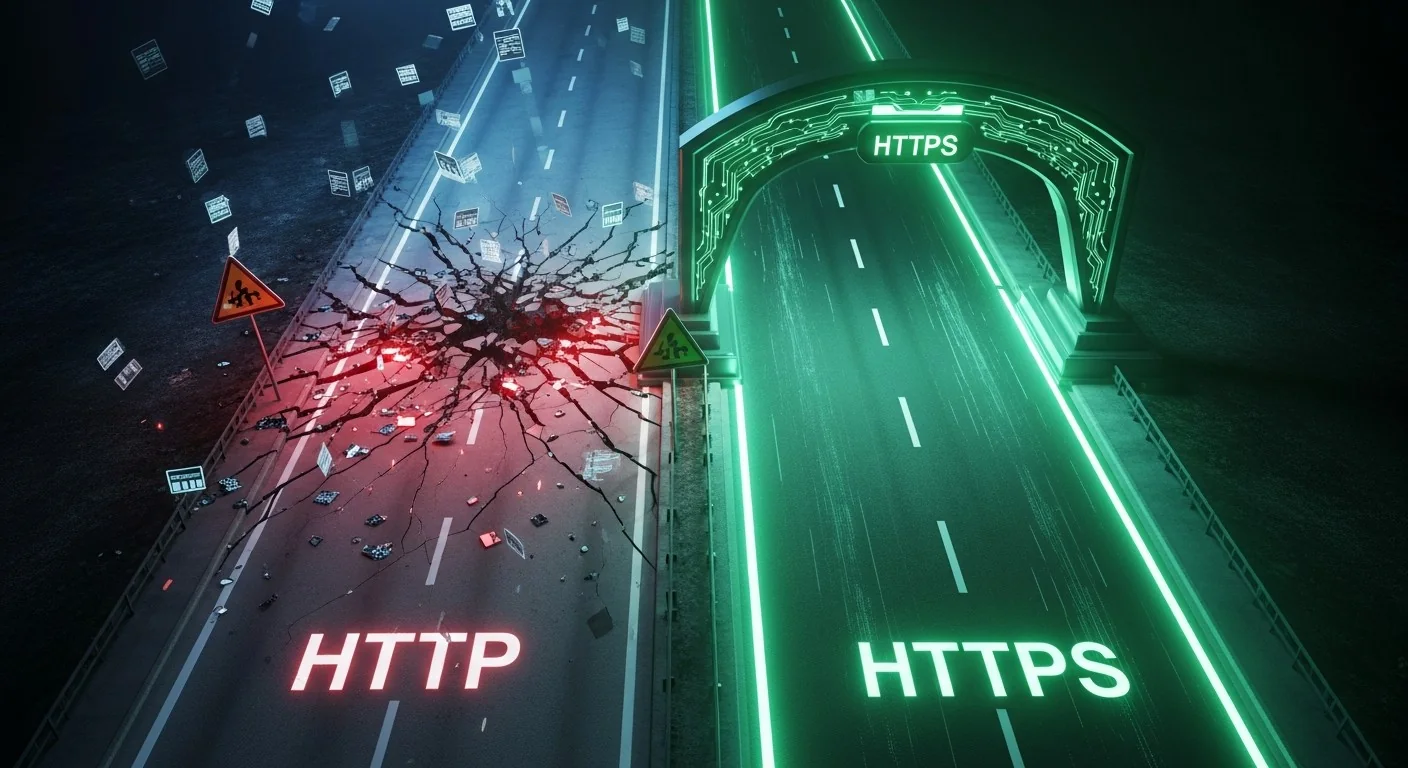
Over HTTP, data travels like a postcard: anyone it passes through can read it. HTTPS is the same HTTP wrapped in TLS encryption, like a sealed letter only the recipient can open. For the visitor, the difference is visible right away:
- the address starts with https://;
- the browser no longer shows the “Not secure” warning next to the address;
- forms, the shopping cart and the payment page send data encrypted.
The padlock is no longer the sign to look for in Chrome: since version 117, released in September 2023, Google replaced it with a settings icon, because HTTPS has become the norm. Firefox and Safari still show it.
What Google and the browsers say
The push toward HTTPS doesn't come from hosting providers, but from the companies that build browsers and the search engine:
- August 2014 — Google announces it uses HTTPS as a ranking signal in search results;
- July 2018 — with Chrome 68, every HTTP site is marked “Not secure”;
- October 2026 — Google announced that, from Chrome 154, the “Always Use Secure Connections” setting becomes the default: the browser asks the visitor to confirm before opening a public site without HTTPS.
What happens to a site without SSL

A site without a certificate still works, but it pays a hidden price:
- visitors' data can be intercepted: passwords, email addresses, phone numbers or card details, especially on public Wi-Fi in cafés, airports or hotels;
- the browser scares visitors away with the “Not secure” message right next to the address, and soon with a confirmation page before entering;
- it starts behind in Google, where HTTPS has been a ranking signal for more than ten years;
- it cannot accept card payments, because the PCI DSS standard requires strong cryptography for card data sent over public networks.
Why you need an SSL certificate: 6 reasons
1. Customer data is encrypted
Everything the visitor types into the site, from the contact form message to the delivery details, travels to the server encrypted. Even if someone intercepts the traffic, they only see meaningless characters.
2. Trust from the first click
An HTTPS address and the absence of a warning are the signals people have learned to look for. An online store without them loses orders, and a business website loses customers who never get around to calling.
3. A better position in Google
Between two similar sites, the secure one has a ranking advantage, and Chrome flags the other one as not secure right in the address bar.
4. Online stores and card payments
Every store that accepts online payments needs HTTPS. Without it, neither the payment processor nor the customers trust it with their card details.
5. Personal data protected, as GDPR requires
Article 32 of the GDPR requires companies to take technical measures appropriate to the risk for the personal data they process, and it names encryption as an example. A contact form on HTTP sends the customer's name and phone number in plain text.
6. Modern browser features
Browsers use the HTTP/2 protocol, which loads pages faster, only over HTTPS connections. Only HTTPS also unlocks features such as geolocation, notifications or service workers. Without a certificate, your site is stuck with the technology of ten years ago.
Types of SSL certificates: DV, OV, EV and Wildcard
All types encrypt equally well. What differs is how much is verified about who owns the site:
- DV (Domain Validation) — only your ownership of the domain is checked. It is issued in minutes and is the cheapest, a good fit for blogs, personal and business presentation sites.
- OV (Organization Validation) — the company is verified too, with documents, and its name appears in the certificate details. It is the right choice for company websites.
- EV (Extended Validation) — the most thorough company verification, suited to online stores, financial platforms and anywhere trust matters most. The green bar has disappeared from browsers, but the verified company name is visible in the certificate details.
- Wildcard — covers the domain and all its subdomains (shop.company.com, blog.company.com) with a single certificate.
How long an SSL certificate is valid
This has changed a lot. The rules for public SSL certificates are set by the CA/Browser Forum, the body where certificate authorities and browser makers sit together. Through ballot SC-081 of April 2025, the maximum certificate lifetime drops in steps:
- until March 15, 2026: at most 398 days;
- from March 15, 2026: at most 200 days;
- from March 15, 2027: at most 100 days;
- from March 15, 2029: at most 47 days.
In short, a certificate is no longer installed once a year and forgotten: it has to be renewed more and more often, ideally automatically. A one-year plan now means several certificates issued one after another, which is why it matters who keeps track of renewals.
Free or paid SSL certificate?
A free SSL certificate, such as one from Let's Encrypt, offers the same encryption as a paid one, but it is DV only. Today it lasts 90 days, and Let's Encrypt has announced it is gradually moving to 45 days by February 2028, so automatic renewal is a must. For a blog or a small site, it is often enough.
A paid certificate brings what the free one lacks: company validation (OV or EV), a financial warranty from the issuer and support when something goes wrong. For a company or an online store, the price difference pays for itself in customer trust.
How to choose the right SSL certificate
- Look at the type of site — DV for a presentation site or blog, OV for a company website, EV or OV for an online store.
- Count your subdomains — if you have several, a Wildcard certificate costs less than one for each.
- Check the warranty — the amount the issuer covers if the certificate is issued wrongly.
- Ask who installs it and who renews it — with ever shorter lifetimes, an expired certificate is the most common reason a site ends up showing warnings.
- Compare the price per year, not just the first-year price.
SSL certificates from RDN Network Data
We have SSL certificates for every kind of site: DV from €9.99 a year, Wildcard from €37.72 a year, OV from €16.83 a year and EV from €30.62 a year. You get three months of free SSL from day one, then you choose the plan that suits you.
We handle the whole process: we generate the certificate request, install it on the server, move the site to HTTPS and check that no insecure content is left on the pages. We let you know before it expires and renew it on time. If your web hosting is with us, installation is included.
Frequently asked questions about SSL certificates
What does SSL mean?
SSL stands for Secure Sockets Layer, the protocol that encrypts the connection between browser and server. Today its successor, TLS, is used, but certificates are still called SSL certificates.
How much does an SSL certificate cost?
A DV certificate starts at €9.99 a year, an OV one at €16.83 a year and an EV one at €30.62 a year. Wildcard certificates, which also cover subdomains, start at €37.72 a year.
How long does it take to issue an SSL certificate?
A DV certificate is usually issued within minutes, after the domain is verified. For OV and EV, verifying the company from its documents usually takes a few business days.
How long is an SSL certificate valid?
A certificate issued after March 15, 2026 is valid for at most 200 days, under the CA/Browser Forum rules. The lifetime drops to 100 days in 2027 and to 47 days in 2029, so automatic renewal is becoming the rule.
What happens when the SSL certificate expires?
The browser shows a full-page warning such as “Your connection is not private”, and most visitors don't get past it. That is why renewal has to happen before the expiry date.
Does an SSL certificate slow down a site?
No. TLS 1.3 encryption adds negligible time, and HTTPS enables HTTP/2, which often makes the site even faster than over HTTP.
In short
An SSL certificate protects visitors' data, removes the “Not secure” warning from the browser and helps the site in Google. Every site needs one, from a personal blog to an online store. Write to us about your site and we will tell you which certificate suits you, then install and renew it for you.
Official sources
- Google Search Central: HTTPS as a ranking signal (2014)
- Chromium Blog: A secure web is here to stay (2018)
- Google Online Security Blog: HTTPS by default in Chrome (2025)
- CA/Browser Forum: Ballot SC-081v3 (2025)
- IETF: RFC 8446 — TLS 1.3 and RFC 8996 — deprecating TLS 1.0 and 1.1
- European Union: Regulation (EU) 2016/679 — GDPR
- PCI Security Standards Council: PCI DSS
- MDN Web Docs: Secure contexts
Read next

· 6 min
What shared hosting is and when it suits you
Shared hosting splits one server between several sites to bring the price down. See what you get, where the limits are and how to choose the right plan.
Read the article
· 4 min
Server colocation: what it is and why to move your server to a data center
Colocation means your server sits in a professional data center, with redundant power, cooling and internet. See what colocation is and when it beats a server kept at the office.
Read the article
· 2 min
What a 99.80% uptime guarantee means
The percentage in the contract translates into minutes of downtime per month. Here's the math, and what we keep running so you don't use them up.
Read the article