
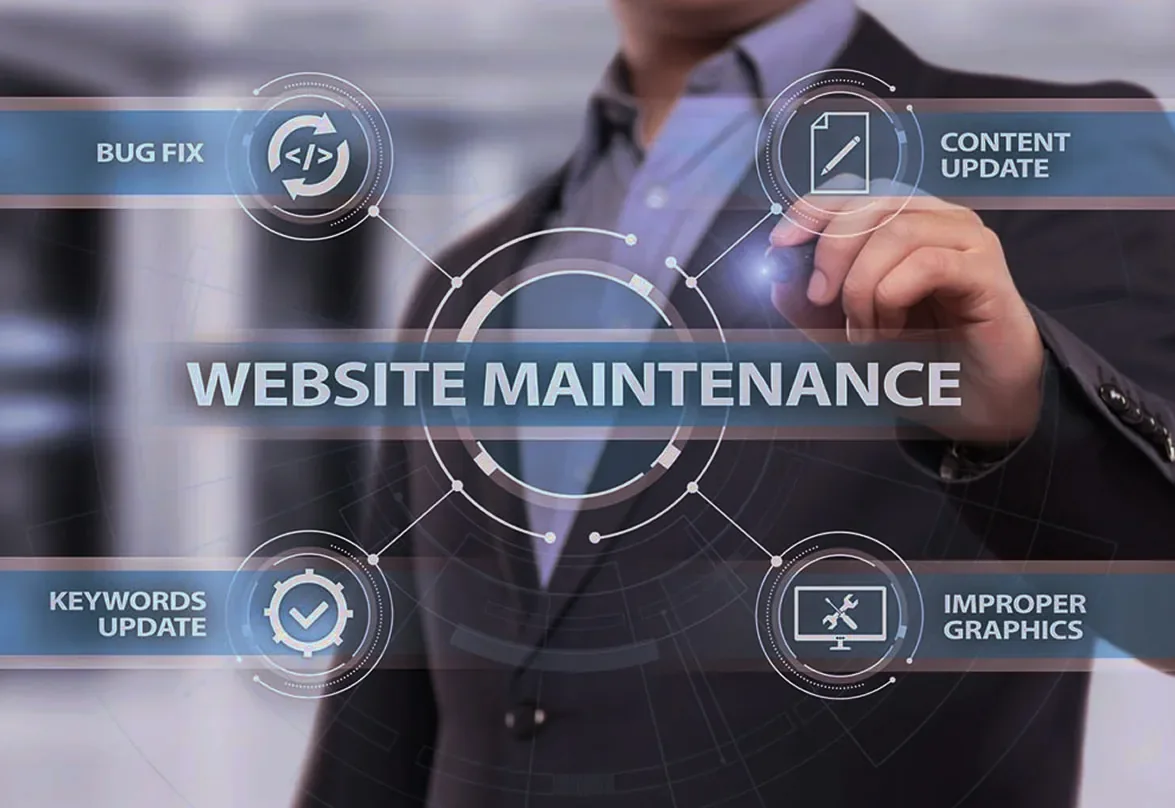
WordPress website maintenance: what it includes and why it isn't optional.
· 4 min read
A website isn't finished on launch day. WordPress, the theme and the plugins get updates every month, browsers change, and attackers scan every day for sites running old versions. Website maintenance is the work that keeps a site fast, secure and found in Google. Below you will find what WordPress site maintenance includes, how often it is done and what happens when it is missing.
What website maintenance is
Maintenance means ongoing care for a site after it goes live: updates, backups, security checks, speed optimization, monitoring and small content changes. For a WordPress site, which relies on dozens of plugins written by different authors, it is the part that decides whether the site still works a year from now.
What WordPress site maintenance includes
- Tested updates — WordPress, the theme and the plugins, applied after a check, so an update doesn't break the pages.
- Verified backups — the files and the database, saved and restored as a test; a backup that can't be restored is no help at all.
- Security — a valid SSL certificate, security updates, strong passwords and checks for modified files.
- Speed — compressed images, caching and load time measured on a phone.
- 24/7 monitoring — you find out right away when the site stops responding, not from a customer.
- Content and SEO — updated copy, fixed links and progress tracked in Google Search Console.
Why updates matter
Most hacked sites aren't chosen targets, but sites found automatically because they run an old plugin with a known vulnerability. The same goes for the server underneath: each PHP version gets security fixes only for a limited time. According to the official PHP schedule, PHP 8.2 gets security fixes until December 31, 2026, and after that the sites running on it are left exposed.
What you risk without maintenance
- A hacked site — pages with foreign ads, redirects to other sites or stolen data.
- A site down after an update — an automatic update that breaks the theme, with no backup to roll back to.
- Browser warnings — an expired SSL certificate shows a full-page error message.
- Losses in Google — slow pages and broken links push the site down in the results.
- GDPR trouble — if customers' personal data is exposed, Article 33 of the GDPR requires notifying the supervisory authority within 72 hours.
How often maintenance is done
Monitoring and backups run continuously or daily. Updates are checked at least monthly and as soon as an important security fix comes out. Speed, links and Google rankings are tracked monthly, and at the end of the month you should get a report on everything that was done.
Website maintenance at RDN Network Data
With our website maintenance service we handle tested updates, verified backups, security, speed and 24/7 monitoring every month. If the site goes down, we start work within 10 minutes over a remote connection, and at the end of the month you get a written report.
Your hosting doesn't have to be with us. And if you want to move the site to our servers, we use WordPress and WooCommerce migration without the old site going offline.
Frequently asked questions about website maintenance
What does monthly website maintenance include?
Tested updates, verified backups, security checks, speed optimization, monitoring and content updates, plus a report at the end of the month.
Can I maintain a WordPress site myself?
Yes, if you have time to test every update and check your backups. The risk comes when an update breaks the site and you have nothing to roll back to.
What do you do if the site has been hacked?
The site is restored from the backup, the way in is closed and outdated components are updated. If personal data was exposed, the company must notify the authority within 72 hours, under the GDPR.
Does maintenance help with Google rankings?
Yes. A fast site without errors and with up-to-date content is easier for Google to read and nicer for visitors.
In short
Maintenance keeps a site secure, fast and visible, and a problem caught early costs far less than a hacked site. Write to us with your site's address and we will tell you what it needs, before problems appear.
Official sources
- PHP: Supported PHP versions
- European Union: Regulation (EU) 2016/679 — GDPR
Read next
· 9 min
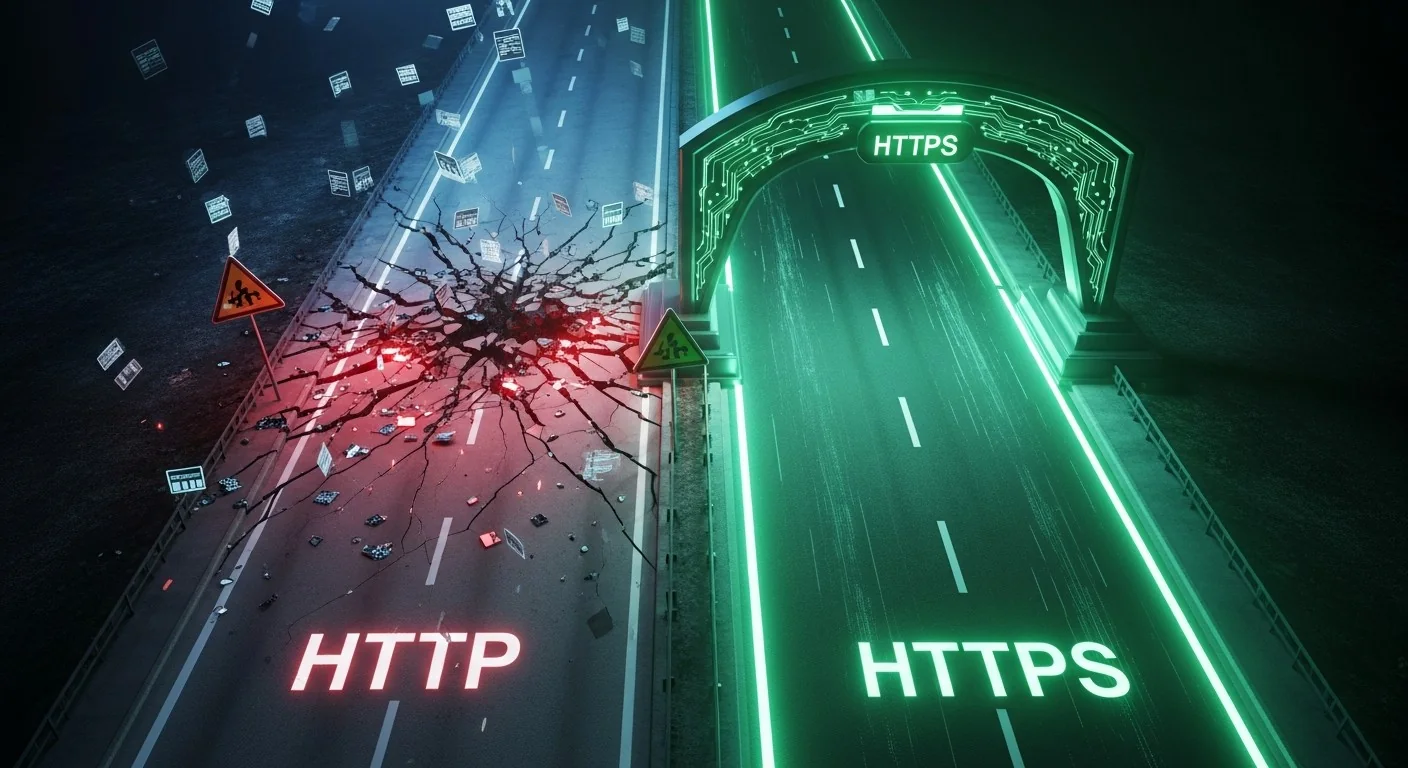
SSL certificate: what it is, why you need HTTPS and how to choose one
Without an SSL certificate, browsers mark your site “Not secure”. See what an SSL certificate does, how HTTP differs from HTTPS and how to choose between DV, OV and EV.
Read the article
· 6 min
What shared hosting is and when it suits you
Shared hosting splits one server between several sites to bring the price down. See what you get, where the limits are and how to choose the right plan.
Read the article
· 4 min
Server colocation: what it is and why to move your server to a data center
Colocation means your server sits in a professional data center, with redundant power, cooling and internet. See what colocation is and when it beats a server kept at the office.
Read the article